Reading your forecast
Simplified and Detailed views
Flocuity has two views of the same forecast. Nothing is lost when you switch, and each person chooses their own.
- Simplified is for getting in and out quickly: where you stand and the best fix, the money coming up day by day, where your balance is headed, who owes you, the taxes ahead, and what needs you. Click or tap a day in Money coming up (a week, on a phone) to see its lines.
- Detailed adds everything else: every line coming up as a list or a calendar, every outlook and scenario side by side, what customers owe you and what you owe by how late, every category, idle cash, how close past forecasts came, and Scenario Planning. It suits a detail-minded owner, a bookkeeper or an accountant.
To switch
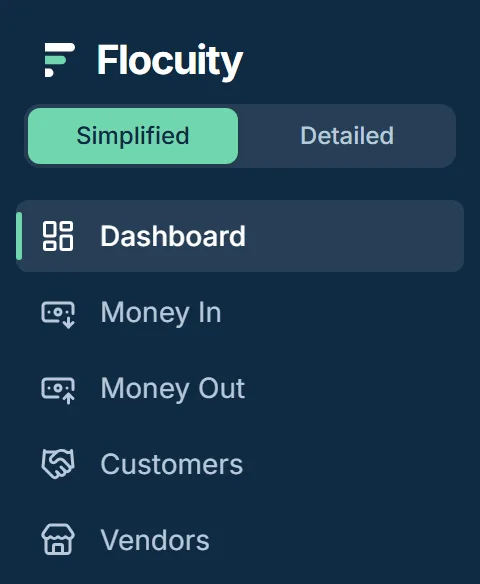
Use the Simplified and Detailed switch at the top of the sidebar. On a phone, open the menu first.
Some screens belong to the Detailed view only. If you open one from Simplified, Flocuity tells you and offers to switch.
Still stuck? Write to support@flocuity.com. A person replies within three business days.